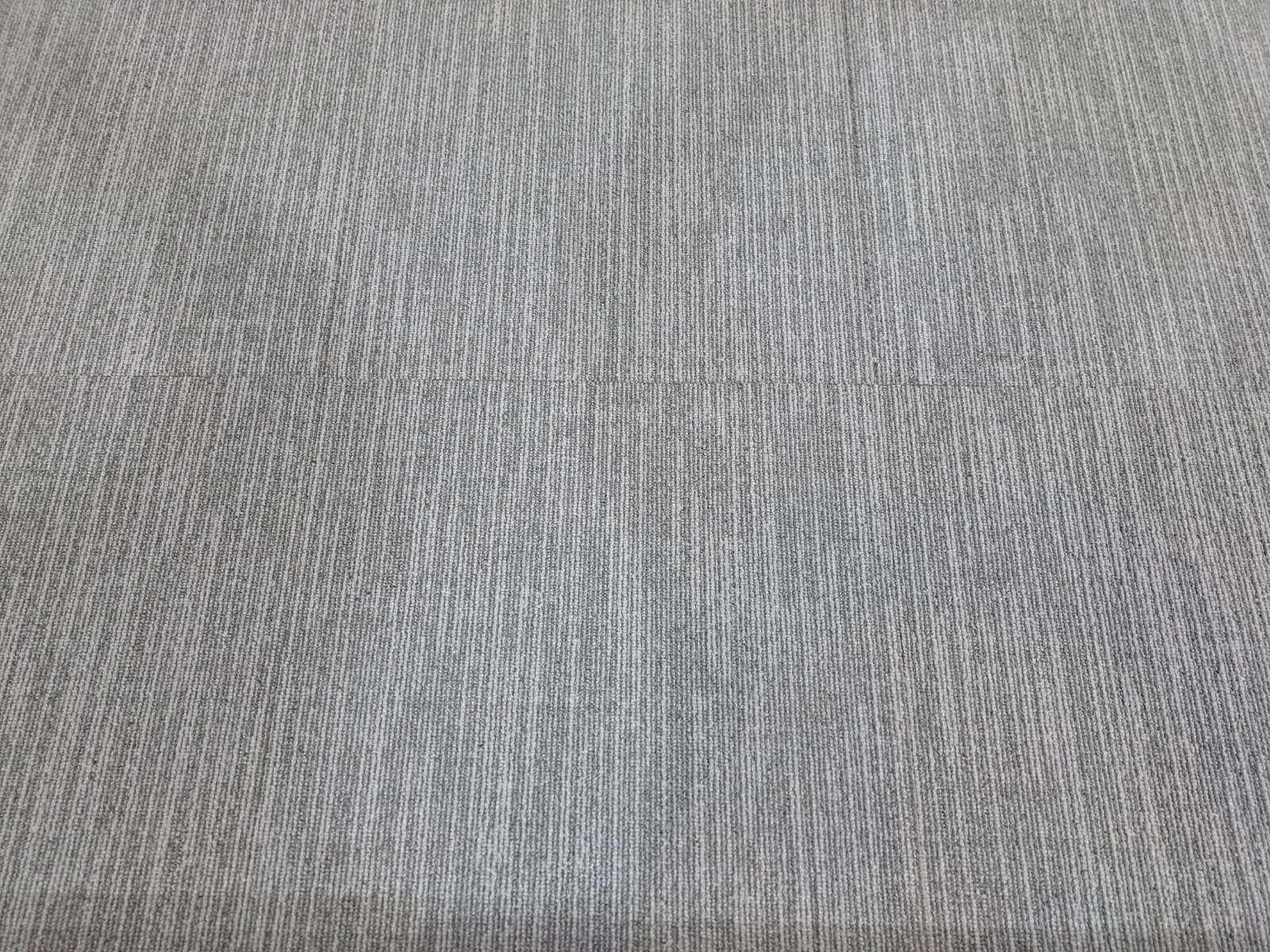
01 · Top-down view
Show the complete surface.
- Place one tile flat in even natural or room light.
- Hold the camera directly above and parallel to the tile.
- Fill the frame while keeping all four edges visible.
Other TakeBack guidance
When Renuvo asks for product photographs, two clear views usually provide the most useful starting point.
01 · Top-down view
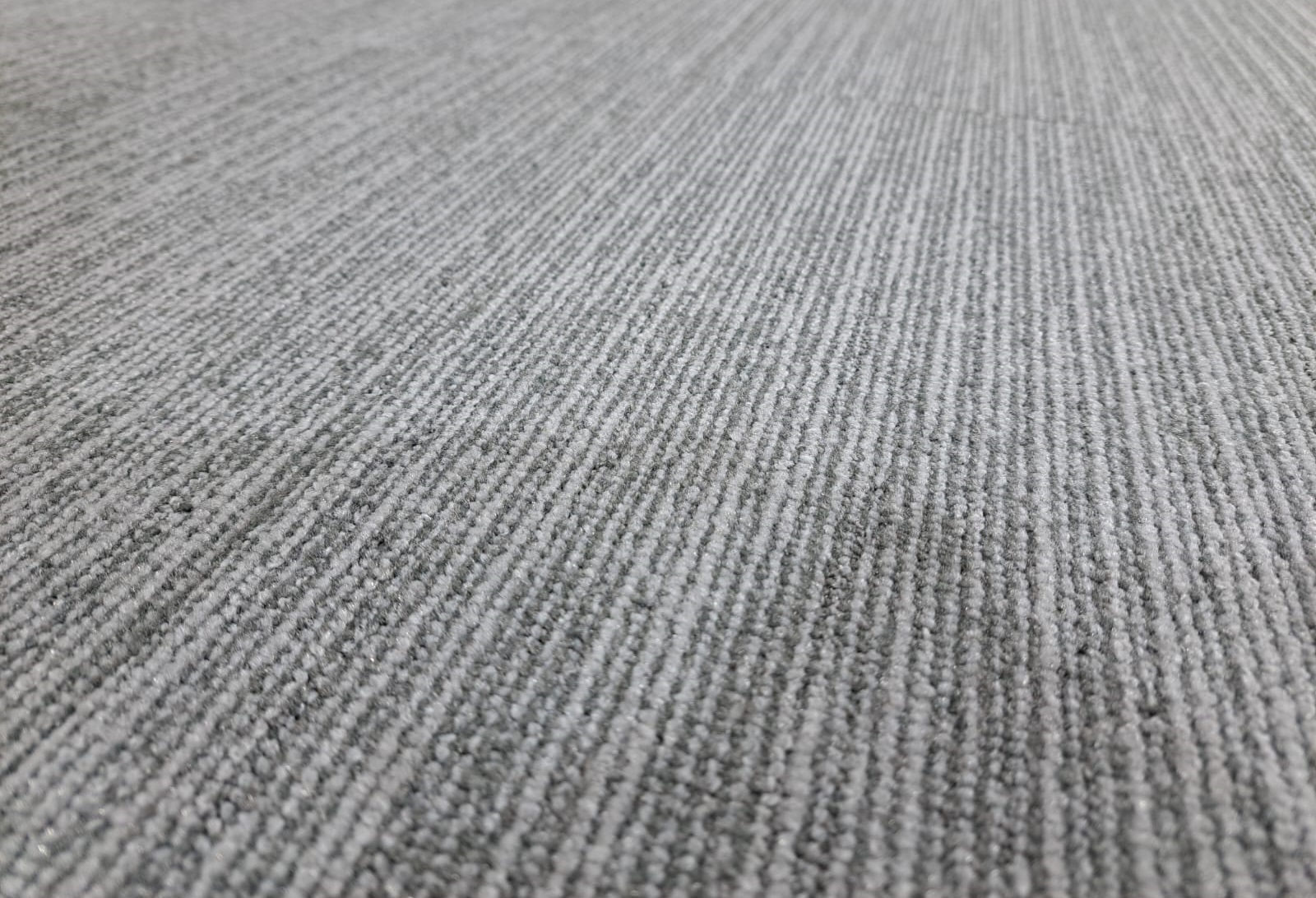
02 · Low-angle view
A useful photograph
Use a plain, uncluttered background and avoid strong shadows, filters or digital colour changes.
If damage, staining or wear is relevant, add a separate close-up after taking the two standard views.
Preparing an Other TakeBack submission
The manufacturer, product name, date and batch details can help Renuvo identify the tile.